

🆕 What’s New
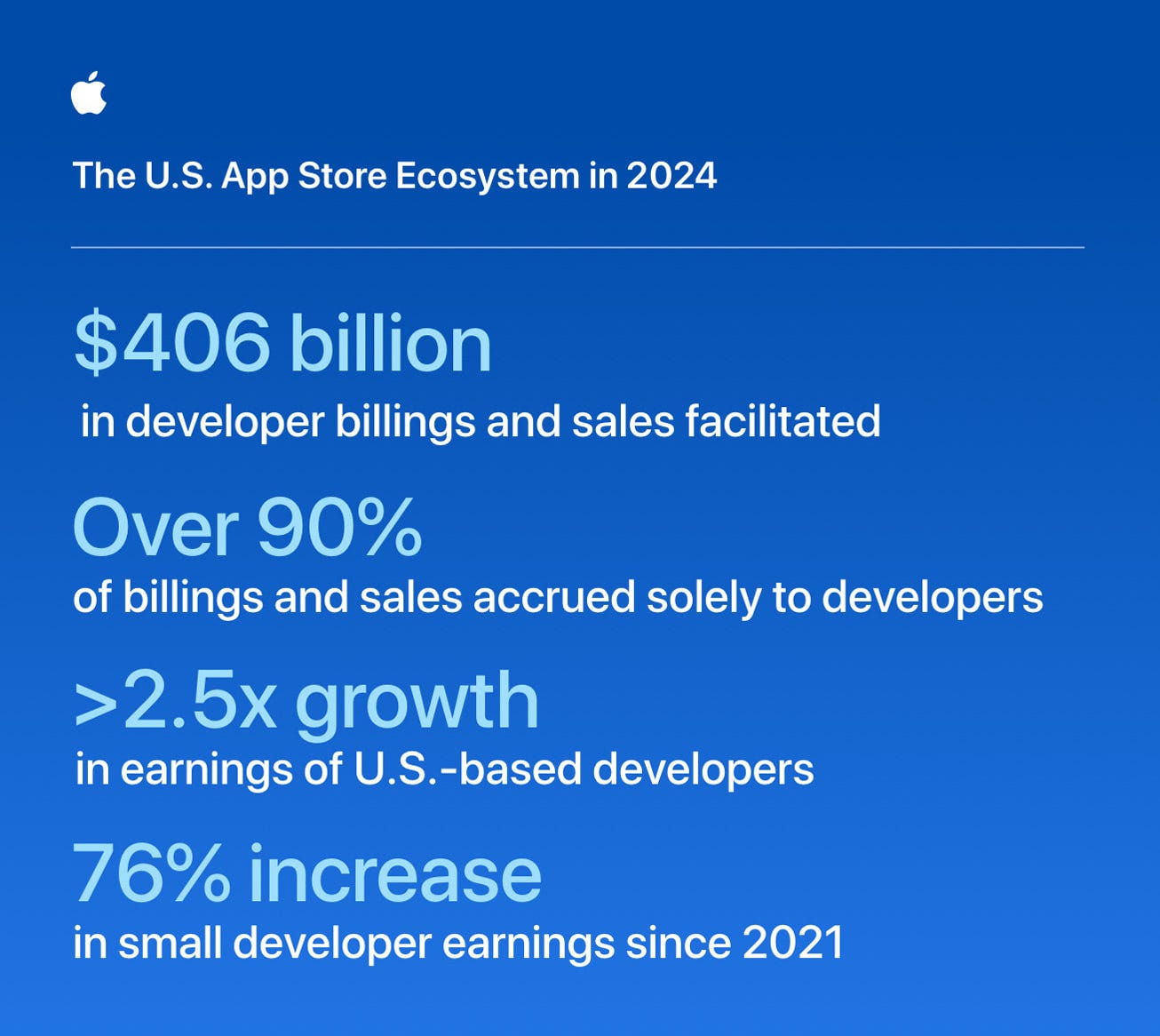
App Store in the U.S. facilitated over $400 billion in developer billings and sales in 2024
Apple reports the App Store facilitated $406B in developer billings and sales in the U.S. last year - nearly triple its 2019 size.
U.S. developer earnings more than doubled in five years, with small devs seeing a 76% increase since 2021. Top growth areas: grocery delivery, travel, productivity, and AI-powered apps.
📚 Must Read
Billing Grace Period Explained: How It Works and Why It Matters
Did you know users can keep premium access even after a failed subscription payment? Apple’s Billing Grace Period gives them extra time to fix payment issues - but it’s not enabled by default.
Antoine explains how this feature works, how to turn it on in App Store Connect, and why enabling it can reduce churn and improve your subscription recovery flow. A must-read for every app with in-app subscriptions.
Learn to build adaptive layouts with SwiftUI's ViewThatFits container.
Want your UI to adapt based on space? ViewThatFits lets you define multiple views and automatically picks the one that fits.
Perfect for cases like truncating text with a “more” button if it overflows. By evaluating the ideal size of each view, ViewThatFits helps you build dynamic and responsive layouts - especially powerful when combined with .horizontal axis control.
Microapps architecture in Swift. Scaling.
As Swift apps grow, a single-package setup quickly hits limits. This post explores how to scale microapps architecture using Swift Package Manager, moving from one monolithic package to a feature-per-package strategy.
You’ll learn how this shift improves build times, dependency clarity, and developer experience - especially for projects with 100+ modules. A practical guide to keeping your large Swift codebase modular, testable, and continuously shippable.
🛠️ Toolbox
Enable scrolling based on content size in SwiftUI
Wrapping views in ScrollView improves accessibility, but can introduce unwanted bounce when content fits the screen.
With .scrollBounceBehavior(.basedOnSize) (iOS 16.4+), SwiftUI disables bouncing when scrolling isn’t needed - creating a cleaner, more polished UX, especially for users with large text sizes.
🍬 One More Thing…
From backend dev to RxSwift maintainer and now Staff iOS Engineer at monday.com - Shai shares his 14-year journey in iOS, love for architecture, and thoughts on Swift Concurrency, Combine, and AI tooling.
He reflects on Combine’s launch, how RxSwift adapted, and what’s still missing in Swift’s concurrency story. Additionally, he shares tips for staying relevant in the AI era and his top three WWDC25 wishes: smarter Xcode, stable SwiftUI, and accessible Vision Pro.
A must-listen for anyone navigating modern iOS development.
🗳️ Weekly Poll
👋 That’s it for this week
If you enjoyed this issue of The iOS Weekly Brief, consider forwarding it to a colleague!
Until next Friday — keep shipping 🍏