

🆕 What’s New
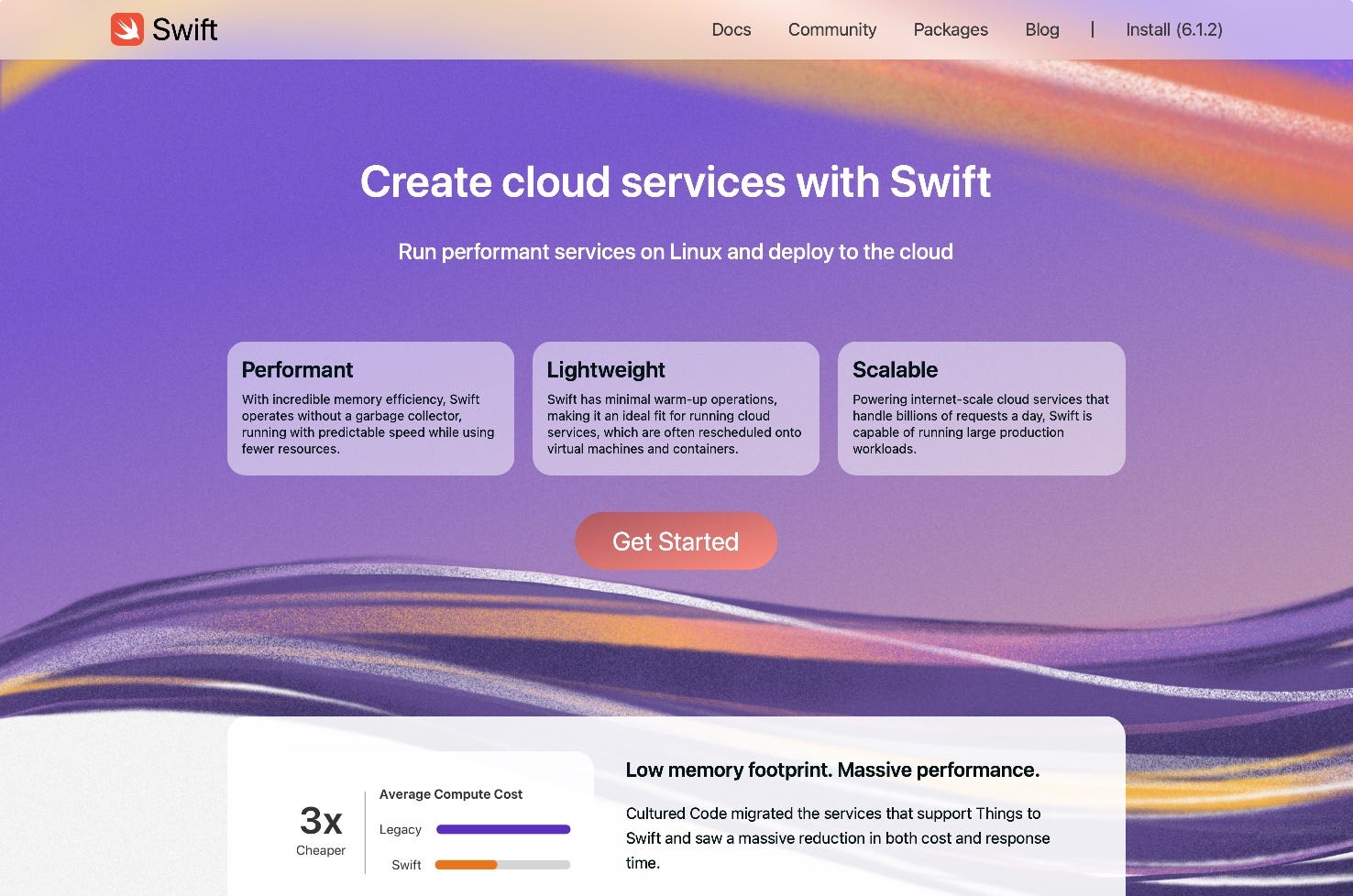
Redesigned Swift.org is now live
The new Swift.org just dropped - and it’s more beginner-friendly, visually polished, and technically informative. The redesign focuses on Swift’s strengths across platforms, featuring curated use cases (like cloud and embedded), real code snippets, and a smoother onboarding experience. A great step forward for Swift’s developer presence.
📚 Must Read
Understanding toolbars in SwiftUI
Still using .navigationBarItems()? Time to level up. This deep dive explains how to use SwiftUI’s modern .toolbar() modifier across various placements - from .navigationBarTrailing and .bottomBar to more advanced options like .keyboard and modal actions. You’ll learn how to build toolbars that adapt to your app’s context and platform, with clear examples for every case. A practical guide for polishing your app’s navigation and actions.
Memory Efficiency in iOS: Metrics
Ever faced a mysterious EXC_CRASH (SIGABRT) or memory termination? This guide by Anton Gubarenko walks you through how iOS handles memory pressure, how to detect issues using Xcode tools like the memory graph, debug navigator, and Instruments, and why testing on real devices is key. Learn how to interpret memory metrics, what “dirty pages” mean, and how to avoid common traps when optimizing your app’s RAM footprint. A must-read for building stable and responsive apps.
Syncing TipKit with CloudKit
In iOS 18, TipKit tips can now sync across devices using CloudKit - no more repeat tips on every iPhone or iPad. This guide shows how to enable syncing, configure your .tips container, and avoid clashes with Core Data’s CloudKit setup. With clear instructions and common pitfalls explained, it’s a must-read if you’re using TipKit in multi-device environments.
🛠️ Toolbox
AccessibilitySnapshot
Accessibility is not just a checkbox - it’s about making your app usable for everyone. AccessibilitySnapshot helps you write regression tests that snapshot the accessibility hierarchy of your UI, not just its visuals. Built on top of SnapshotTesting or iOSSnapshotTestCase, it makes verifying VoiceOver support and activation points part of your CI. Easy to integrate, powerful in practice.
🍬 One More Thing…
Creating animation annotations for custom SF Symbols
Want to animate your custom SF Symbols in SwiftUI? With the SF Symbols app (v4+), you can now define animations layer-by-layer and export them with metadata annotations for use with .symbolEffect() in Xcode. This article explains how to create animations like bounce, rotate, or variable color, preview them live, and copy ready-to-use Swift code. A must-read if you want to make your app icons feel alive - without writing complex animation logic.
🗳️ Weekly Poll
👋 That’s it for this week
If you enjoyed this issue of The iOS Weekly Brief, consider forwarding it to a colleague!
Until next Friday — keep shipping 🍏
Thank you for mentioning, Vlad!