

🆕 What’s New
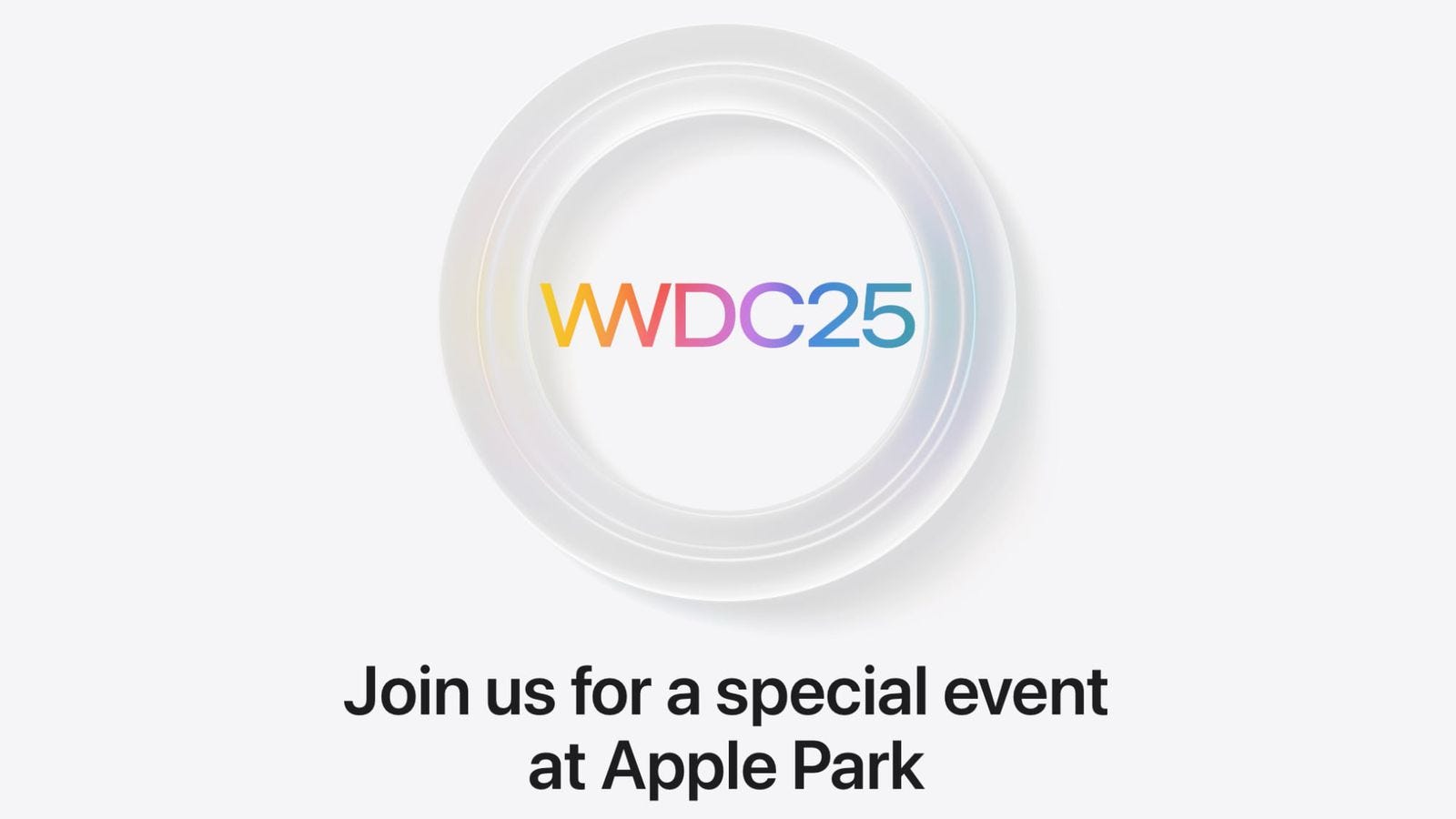
Apple is Sending WWDC 2025 Invites to Lottery Winners
Apple has started notifying winners of its lottery for the in-person special event at Apple Park. The event will include a keynote viewing party, special activities, and opportunities to interact with Apple engineers and experts.
Hope some of you were lucky enough to receive that special invite!
Platform Releases: iOS 18.4, macOS 15.4, visionOS 2.4 & More
Apple rolled out major updates across all platforms. Here are the highlights:
Priority Notifications - Important alerts are now surfaced at the top.
Apple Intelligence is now on Vision Pro, which includes Smart Reply, Genmoji, Image Playground, and more.
App Store improvements - Summarized user reviews and the ability to pause/resume app downloads without losing progress.
⚠️ Avoid updating to macOS 15.4 if you use Xcode 16.2 or earlier - the LLDB debugger crashes at launch.
Xcode 16.3 & Swift 6.1 Releases
I like Swift Testing, and it just got even better:
Swift 6.1 enables custom Swift Testing traits to perform logic before or after tests run to share set-up or tear-down logic.
#expect(throws:)and#require(throws:)return the thrown error to inspect it further.
📚 Must Read
Building a dependency injection framework
If you’ve been building apps for a while, you’re probably already familiar with the Dependency Injection pattern - and like me, you’ve likely used third-party frameworks at some point.
A few years ago, I dug deeper to understand how DI works under the hood and ended up building my lightweight container, which I now use in all new projects. Surprisingly, one small class was enough to cover all my needs!
This article takes a very similar approach - highly recommended if you want to truly understand what’s happening behind the scenes in your DI framework.
Say Goodbye to “dismiss” in SwiftUI
While SwiftUI’s dismiss operation is convenient, it can lead to stability and maintenance issues. Instead, you should use explicit, state-driven methods and decouple dismissal logic from views. Avoiding “dismiss” makes navigation more predictable and improves testability.
SwiftUI Grid, LazyVGrid, LazyHGrid Explained with Code Examples
Great overview of all types of Grids in SwiftUI with practical examples, layout tips, and performance insights. A must-read for building flexible, scrollable, and responsive grid-based interfaces.
🛠️ Toolbox
Tuist
Born at SoundCloud, Tuist was built to solve the pain of managing large, modular iOS codebases, where .xcodeproj conflicts and slow builds are common.
It lets you generate Xcode projects declaratively, and in my experience, it shines when your app starts to scale. You can generate feature-specific projects to speed up builds, improve SwiftUI Previews, and boost overall development flow.
If your codebase is growing, Tuist is worth a look!
Don’t miss this in-depth talk with Tuist’s creators - they share how it started and where it’s headed as a full toolchain for scalable iOS development.
🍬 One More Thing…
Throughout my career, I’ve led several migrations from UIKit to SwiftUI - and right now, I’m deep in the middle of one for a large-scale production app.
It’s a fun mix of challenge and discovery: figuring out what to rewrite, what to wrap, and what to leave alone (for now 😅).
I’m writing a detailed article on strategies for migrating to SwiftUI in large apps, based on real-world experience - and I’ll share it in one of the upcoming issues.
Stay tuned - especially if you’re planning a migration yourself.
🗳️ Weekly Poll
👋 That’s it for this week
If you enjoyed this issue of The iOS Weekly Brief, consider forwarding it to a colleague!
Until next Friday — keep shipping 🍏