

🆕 What’s New
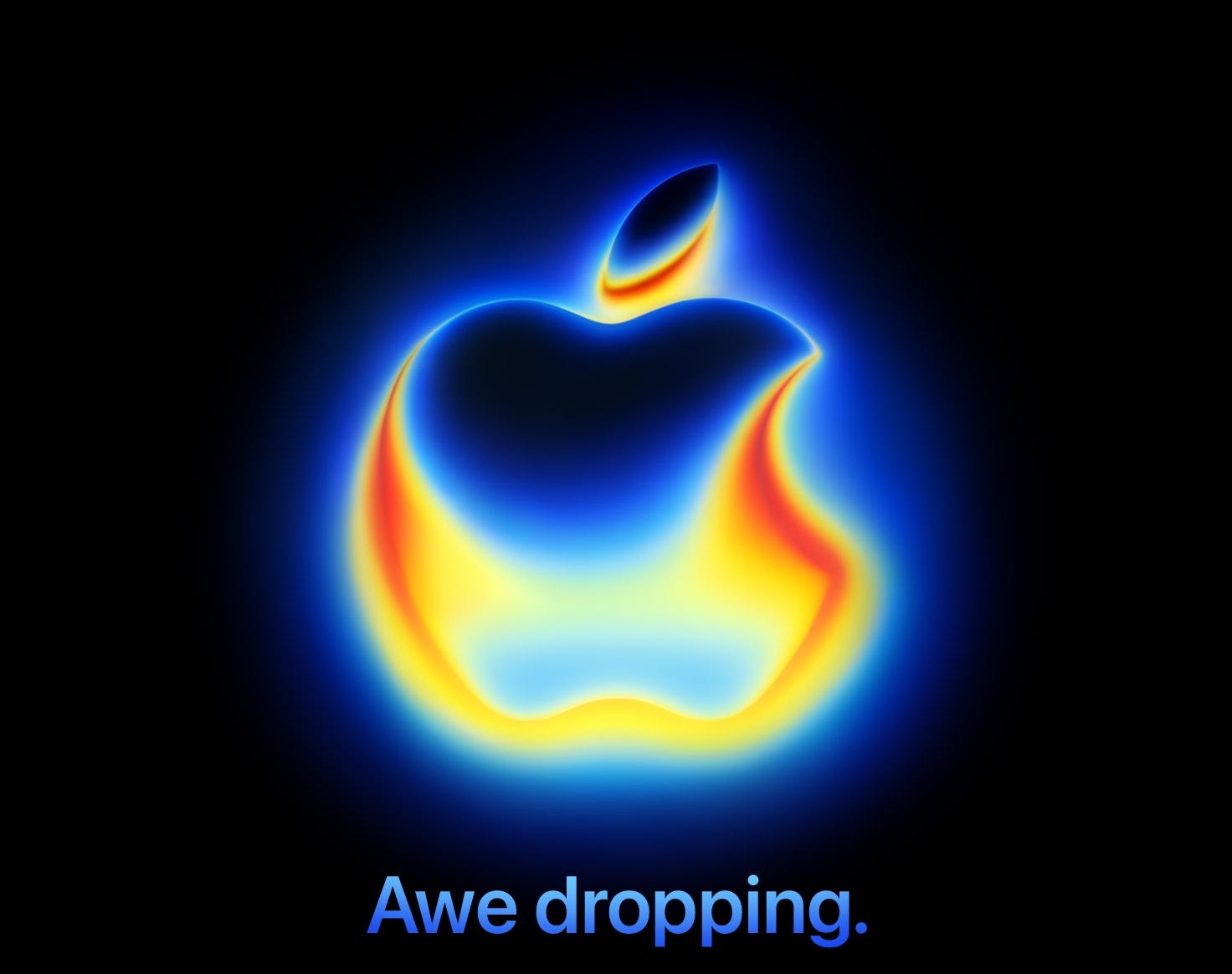
Apple is holding its iPhone 17 event on September 9
Apple has officially set the date for its iPhone 17 event: September 9 at the Steve Jobs Theater. Rumors suggest a slimmer iPhone 17 Air, measuring just 5.5 mm thin. The base iPhone 17 might also finally get a 120Hz display. Also, we expect Apple Watch Ultra 3 and AirPods Pro 3.
Xcode 26 beta 7 is out
Apple has added direct support for GPT-5, offering a choice between the default GPT-5 for fast results and GPT-5 (Reasoning) for more challenging problems. You can also now connect your Claude account and use Claude Sonnet 4. This is the first release that supports multiple AI copilots, including third-party API keys or even local models on Apple silicon Macs.
📚 Must Read
Developing Live Activities in SwiftUI Apps
Simon walks through building Live Activities in SwiftUI, showing how you can implement real-time companions on the Lock Screen and Dynamic Island. If you’ve been holding off on adding Live Activities, this guide is a practical, step-by-step entry point worth checking out.
Making the tab bar collapse while scrolling
Antonella Giugliano shows how the new tabBarMinimizeBehavior modifier in iOS 26 brings the Liquid Glass principle of “content first” to life. With just a single line, your tab bar can collapse on scroll, letting the content take center stage while still feeling native and polished. A small code change, but a big step toward making SwiftUI apps look more immersive and aligned with Apple’s latest design language.
Building AI features using Foundation Models. Structured Content.
Structured content is where Foundation Models start to feel truly useful for developers. Instead of raw text, you can guide the model to return typed Swift structs using Generable and Guide.
🛠️ Toolbox
DevCleaner for Xcode
If you’re working with Xcode regularly, you’ve probably noticed how much space it takes up over time, especially in the ~/Library/Developer folder. In my case, it was tens of gigabytes of old cache and debug symbols that weren’t being automatically cleaned up. I’ve been using DevCleaner for a long time and still find it helpful.
🍬 One More Thing…
How to use async/await in synchronous Swift code with tasks
Using async/await inside synchronous contexts can feel tricky at first, but Swift’s Task makes it clean and manageable. This article explains how to bridge the two worlds with practical examples like button actions and app lifecycle methods. A useful read if you’re working with concurrency in everyday Swift code.
🗳️ Weekly Poll
🗓 Upcoming Conferences
August
30-31 — iPlayground (Taipei 🇹🇼)
September
2–4 — Swift Island (Texel 🇳🇱)
4–5 — /dev/world 2025 (Melbourne 🇦🇺)
18-19 — NS Spain 2025 (Logroño 🇪🇸)
24–26 — FlutterCon Europe (Berlin 🇩🇪)
26-27 — Swift Bharat 2025 (Bengaluru 🇮🇳)
29–30 — Swift Connection (Paris 🇫🇷)
October
2–3 — ServerSide.swift (London 🇬🇧)
6–8 — SwiftLeeds (Leeds 🇬🇧)
24 — DevFest.cz (Prague 🇨🇿)
30–31 — Pragma Conference (Bologna 🇮🇹)
November
👋 That’s it for this week
If you enjoyed this issue of The iOS Weekly Brief, consider forwarding it to a colleague!
Until next Friday — keep shipping 🍏
iPhone 17 Air sounds nice but if it will lack features like 16 with only camera button - arguable