

🆕 What’s New
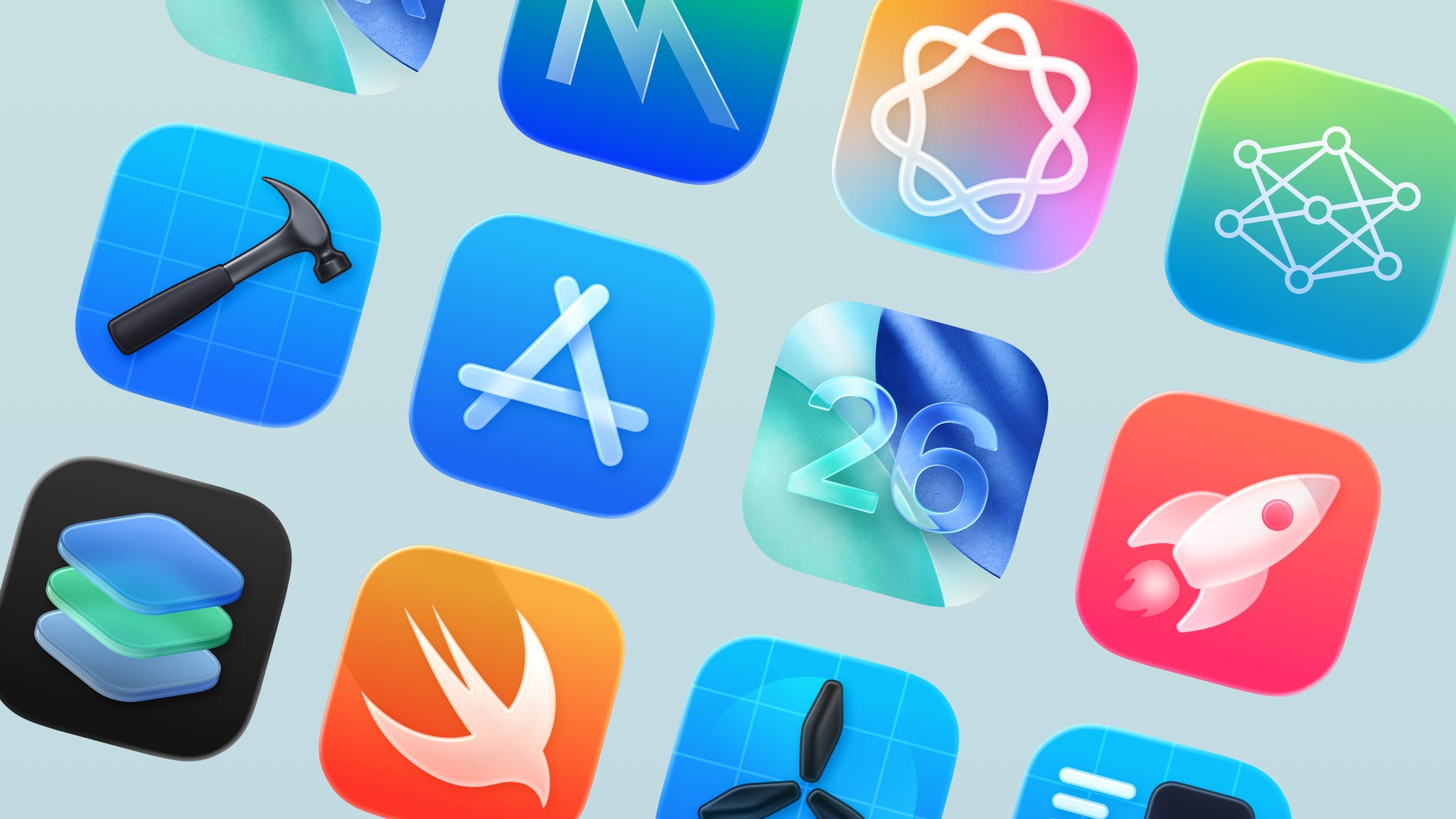
App Store submissions now open for the latest OS releases
App Store submissions are now open for apps built with iOS 26, iPadOS 26, macOS Tahoe, tvOS 26, visionOS 26, and watchOS 26.
This is the moment to bring Liquid Glass design, Foundation Models, and the new Apple Games app to your users. Keep in mind that starting April 2026, all new apps must target the latest SDKs. Time to plan your updates!
Apple Event
I watched Apple’s September event, and if you’ve only got 2.5 minutes, this highlight video is the fastest way to catch up.
OpenAI hires the team behind Xcode coding assistant Alex
Alex, the AI coding assistant for iOS and macOS, is officially joining OpenAI’s Codex team. What started as a “Cursor for Xcode” project grew into one of the best coding agents for Apple developers, and now it’s moving onto a bigger stage. A big moment for the Apple dev community.
📚 Must Read
Should you opt-in to Swift 6.2’s Main Actor isolation?
Swift 6.2 introduces a compiler flag that isolates all your code to the Main Actor by default. This simplifies concurrency, reducing data race issues, but also changes how you structure async code. The article walks through pros and cons, showing when Main Actor isolation makes sense and when you might need to break out with concurrent or nonisolated.
SwiftUI: Text Color & Concatenation
SwiftUI Text might look simple, but as Anton Gubarenko explains, it’s anything but. He walks through the foregroundStyle API, string interpolation, and clever animation patterns.
When should you use an actor?
Actors feel powerful, but they come with trade-offs: async-only access, extra complexity, and more Sendable requirements. This post does a great job of showing when they’re worth it and when they’re not.
🛠️ Toolbox
Creating Light and Dark Mode Icons using Icon Composer
Jordan Morgan shares a handy workflow for creating separate light and dark mode icons in Icon Composer. The trick is setting layer opacity to 0% depending on the mode, even though the UI can be confusing with its “Default” vs. “Dark” toggle.
🍬 One More Thing…
SwiftUI Liquid Glass sheets with NavigationStack and Form
Liquid Glass sheets in iOS 26 can lose their translucent look when you use Form or NavigationStack. This post shows how to fix it. Short, practical tips to keep your sheets consistent with Apple’s new design.
🗳️ Weekly Poll
🗓 Upcoming Conferences
September
18-19 — NS Spain 2025 (Logroño 🇪🇸)
24–26 — FlutterCon Europe (Berlin 🇩🇪)
26-27 — Swift Bharat 2025 (Bengaluru 🇮🇳)
29–30 — Swift Connection (Paris 🇫🇷)
October
2–3 — ServerSide.swift (London 🇬🇧)
6–8 — SwiftLeeds (Leeds 🇬🇧)
24 — DevFest.cz (Prague 🇨🇿)
30–31 — Pragma Conference (Bologna 🇮🇹)
November
December
13–15 — Mobile Developers Week Abu Dhabi 2025 (Abu Dhabi 🇦🇪)
👋 That’s it for this week
If you enjoyed this issue of The iOS Weekly Brief, consider forwarding it to a colleague!
Until next Friday — keep shipping 🍏