

🆕 What’s New
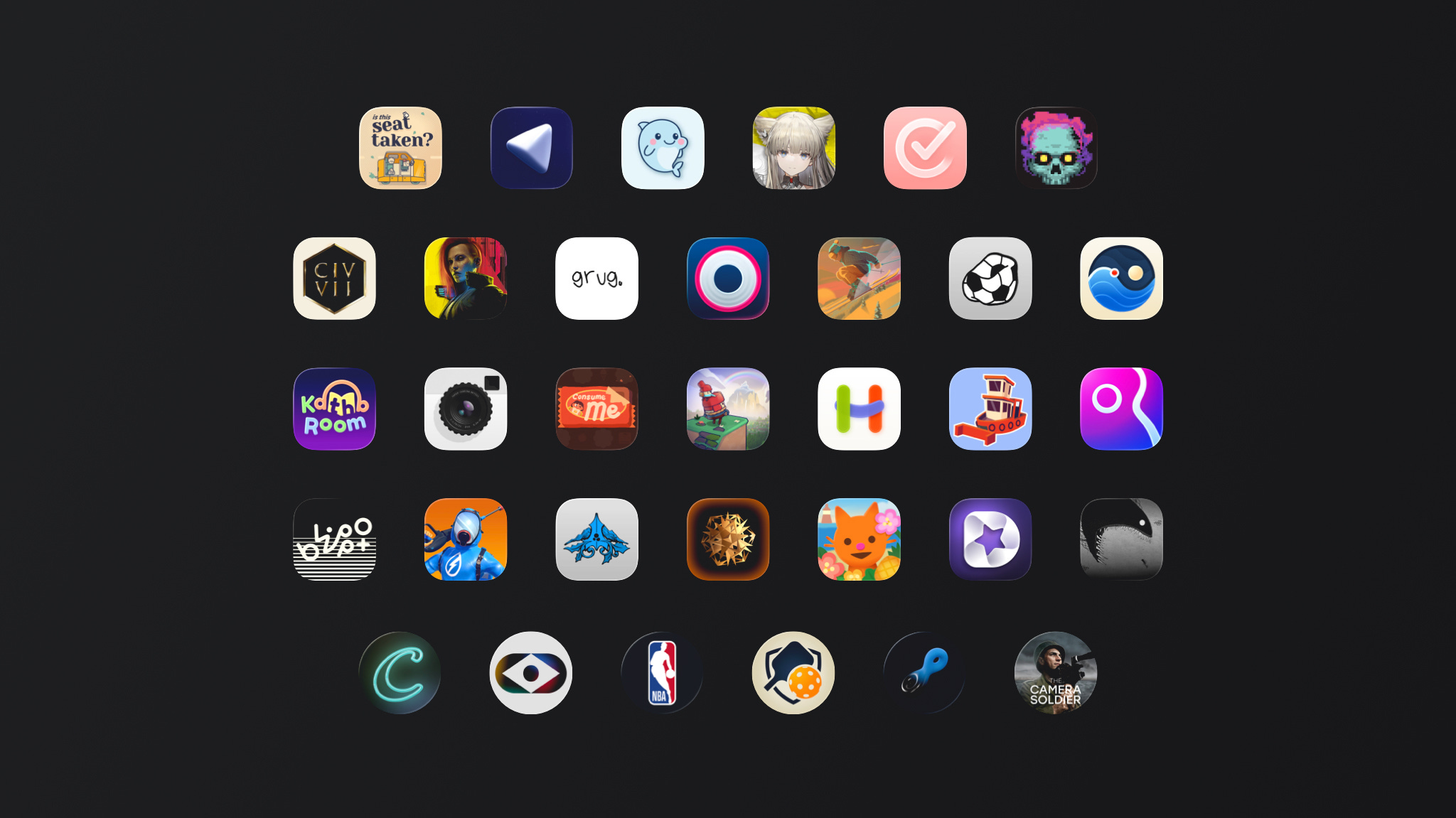
2026 Apple Design Award Finalists Announced
Apple just dropped the ADA finalists list, and it’s worth a look even if you’re not a gamer or a designer. These apps and games are essentially a curated showcase of what’s possible on Apple platforms right now: Liquid Glass done right, Foundation Models in production, RealityKit pushed to its limits. If you want to see where the bar actually is, this list is a better reference than any WWDC session.
App Store Blocked $2.2 Billion in Fraud Last Year
Apple published its annual App Store fraud report, and the numbers are hard to ignore. Over 9.1 million app submissions were reviewed in 2025, and more than 2 million were rejected. Nearly 59,000 apps got pulled for bait-and-switch behavior, where an app passes review as a simple utility and then quietly becomes something else. As a developer, that context matters: the platform you’re publishing on is a lot more actively curated than it sometimes feels.
Apple Intelligence Comes to Accessibility Features
Apple previewed a set of accessibility updates powered by Apple Intelligence: VoiceOver and Magnifier get detailed image descriptions and natural language Q&A, Voice Control lets users navigate by describing what they see instead of memorizing exact labels, and generated subtitles will work automatically for uncaptioned video across all Apple platforms.
📚 Must Read
Modern SwiftUI APIs for Programmatic Scrolling
If you’ve been using ScrollViewReader since iOS 16 and never looked back, this article will catch you up fast. The API has changed a lot: iOS 17 brought scrollPosition(id:), iOS 18 added the ScrollPosition struct that handles identifiers, edges, and raw offsets through a single binding.
Deprecating Your Own Convenience API
Short and practical. When you build compatibility wrappers for older iOS versions, they turn into dead code the moment you bump your minimum target. The trick here is using @available with deprecated and obsoleted on your own types, not just Apple’s APIs.
A Feature Flags System in Swift
Feature flags are one of those things you improvise early on and regret later. This article walks through a proper type-safe, thread-safe implementation: enums instead of string keys, priority-based resolution across multiple sources, persistent local overrides via UserDefaults, and a result builder DSL for clean configuration. The part I found most useful is the environment-based composition, where production gets only business config and non-production builds layer in testing, simulator, and forced overrides on top.
ContentUnavailableView in SwiftUI: Complete Guide
Empty states are one of those things that get built quickly and never revisited. This guide covers ContentUnavailableViewfrom the basics to production patterns: the built-in search variant, action buttons for recovery flows, state-driven architecture with enums, and common mistakes like showing it during loading or using generic messages.
📹 Video
🛠️ Toolbox
Kickstart: The App That Helps Indie Developers Ship
Most iOS developers know how to build apps. The part that kills momentum is everything else: screenshots, ASO, press outreach, launch planning, review management. Kickstart is a Mac app that pulls all of that into one workspace, with daily task suggestions, competitor tracking, keyword research, website generation, and more.
📊 iOS Job Market (USA)
27 new iOS positions this week (-7% vs last week · -4% vs last month) 1
Senior / Mid / Junior — 30% / 66% / 4%
Most wanted skills: SwiftUI 59% · UIKit 33% · MVVM 22% · Combine 15%
This week’s picks:
Mobile iOS Engineer at xAI (Palo Alto, CA) — UIKit + SwiftUI + Combine + performance-critical Swift Concurrency on the Grok iOS app; small high-impact team building real-time AI interactions where every millisecond counts. $180K–$440K → Apply
Senior iOS Engineer at LoopNet (Irvine, CA) — SwiftUI/Swift + MVVM + Dependency Injection on the #1 global commercial real estate marketplace. $130K–$204K. → Apply
🍬 One More Thing…
A Floating Card Using safeAreaBar
The idea is to pin a summary card to the bottom of the screen, but instead of a flat safeAreaInset, use iOS 26’s safeAreaBar to get the scroll edge blur effect that makes the card actually readable over scrolling content. The post also includes a clean iOS 18 fallback using ultraThinMaterial with a gradient mask, all wrapped into a reusable floatingSafeAreaBar view modifier.
🗳️ Weekly Poll
📊 Last Week’s Poll Results
Which ASO tool do you use for your app?
Top Answer: Astro
🗓 Upcoming Conferences
May
26–27 — Meet with Apple (Global 🌎)
June
3–4 — MDevCamp 2026 (Prague 🇨🇿)
7 — Pre-WWDC Bashcade (San Jose 🇺🇸)
July
7–10 — MacAdmins Conference (State College 🇺🇸)
22–23 — Swift Rockies 2026 (Calgary 🇨🇦)
September
7–11 — Swift Island 2026 (Texel 🇳🇱)
29–2 — MacSysAdmin (Gothenburg 🇸🇪)
October
7–9 — Next.App DevCon 2026 (Berlin 🇩🇪)
12–14 — SwiftLeeds 2026 (Leeds 🇬🇧)
November
2–3 — Swift Connection (Paris 🇫🇷)
10–12 — Do iOS 2026 (Amsterdam 🇳🇱)
20–22 — SwiftSonic 26 (Nashville 🇺🇸)
👋 That’s it for this week
If you enjoyed this issue of The iOS Weekly Brief, consider forwarding it to a colleague!
Until next Friday — keep shipping 🍏
Counted as iOS positions: roles with “iOS” in the title that require writing code in Swift.