

This week I’ve been thinking about...
Apple shipped new betas, including iOS 27.3, and it feels much more stable now, including on the new iPhone Duo. But you know what is important? Yes, Apple opened Siri AI to all developers!
With iOS 27, Spotlight also pushes you to use Siri AI instead of a plain search field. Most of us have already stopped googling and ask AI instead, and it looks like Apple is moving in the same direction.
For a long time I didn’t take Siri seriously, because it couldn’t do much. Now developers will teach Siri how to use their apps.
But if people rarely open websites, why build them? The same could happen to apps. You just ask Siri to schedule a payment or order a pizza, and it does everything through the app’s API without opening it. And when a user order pizza in the app, marketing works, it suggests a sauce, a drink... I believe Siri AI will learn to offer these extras too.
Anyway, I see a shift. Maybe one day we won’t need apps in their current form, and instead we’ll build something like MCP servers for the AI on our devices. It might sound scary for developers, but someone still needs to build these integrations 😅
What’s New
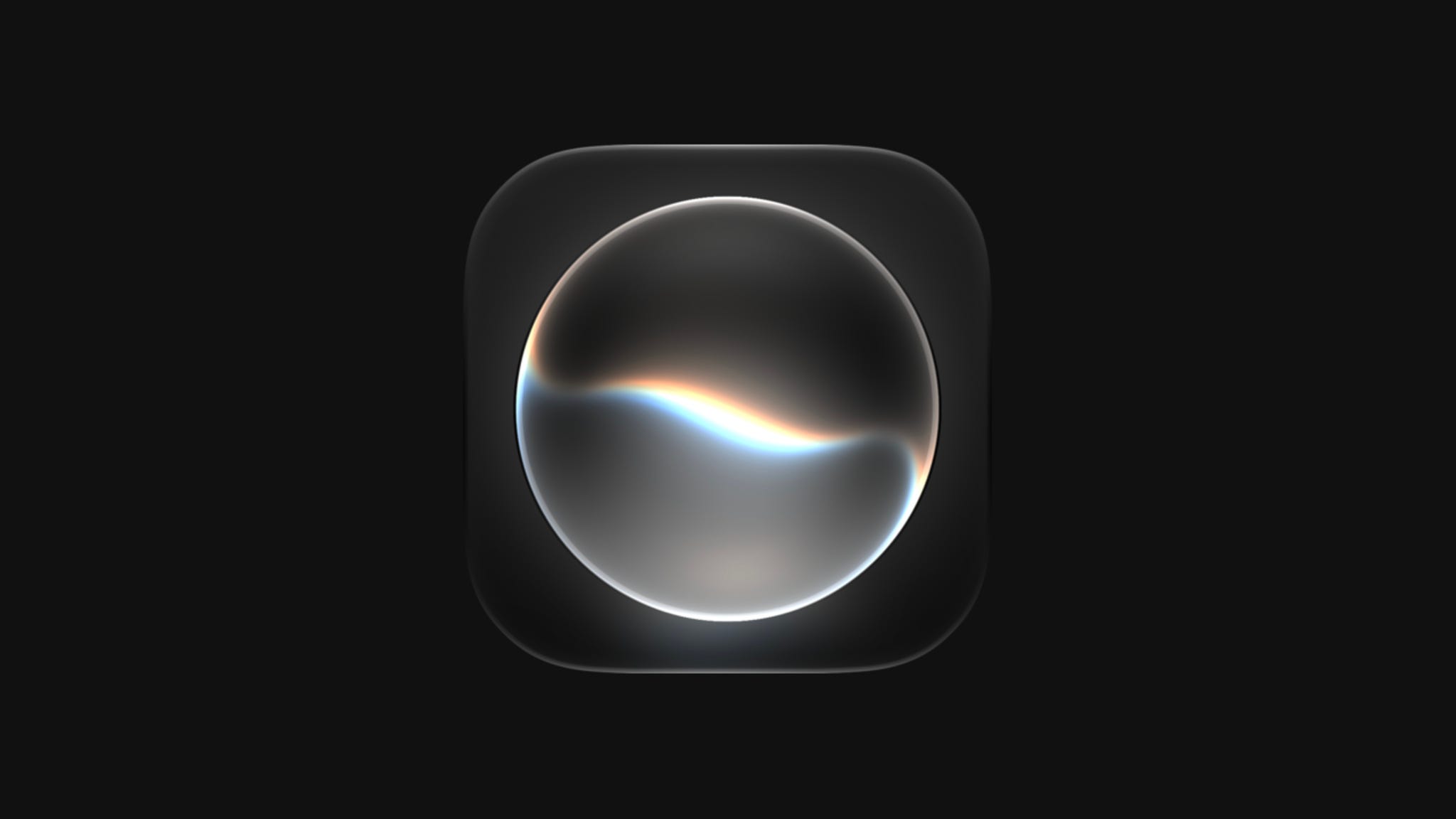
Siri AI is now open to all developers
Your app can bring its actions into Siri via App Intents and the new skills allow you to teach Siri how to combine actions into a single flow.
It’s just a preview, customers get it in a few months and App Store submissions open in the spring, so there’s plenty of time to play with it.
This is a HUGE step for Siri. Before, your actions had to fit into Apple’s fixed domains. Jordan Morgan explains in Finally, Apple Frees Us From Domains why this is so important, with a nice example from his app.
Take a closer look at the implementation in this article by Itsuki. It shows how to turn your intent into a tool, when Siri calls it, how to hide sensitive properties from the model, and how skills work
Retention messages for subscriptions
Apple released retention messages for auto-renewable subscriptions. When someone tries to cancel in the App Store, you can now show them text, an image, or a special offer. You set it up in App Store Connect, or use the Retention Messaging API to pick a message for each subscriber.
I’ve seen this behavior on websites when you try to cancel a subscription, and they propose a discount to you. It’s a great product feature, and I’m glad Apple lets us do the same in the App Store.
In my understanding, App Store Connect doesn’t support A/B tests, but the real-time API lets you pick a message for each subscriber, and RevenueCat already offers experiments with up to four messages.
If you want to dig into the details, this guide from Livsy Code covers everything you need.
Releases
Must Read
Kodeco was the first blog I learned iOS from, and I still have their books on my shelf. This overview of Swift 6.4 is great. And It’s free! So definitely take a look.
Swift Actors: Safe Shared State in Concurrent Code
An actor looks like a class, but with one big difference: only one task can touch its mutable state at a time. Here you’ll find everything you need on the topic, from actor isolation and nonisolated to @MainActor, Sendable, and reentrancy. Great read, I recommend it, especially if you’re preparing for interviews.
Dependency Injection in Swift and SwiftUI
I believe every engineer should understand dependency injection. It’s a useful pattern to bring your code in order by hiding dependencies behind protocols, and swap implementations for tests, SwiftUI previews, etc.
Two great articles came out on this. The first one covers DI in your iOS project in general, and the second focuses on SwiftUI.
The role of layout priority in SwiftUI containers
I have to admit, I sometimes used layoutPriority by trial and error, changing values until the layout finally looked right. That’s because I hadn’t read this article 😅 Please, avoid my mistakes and learn more about how priority works in HStack, VStack, ZStack, and custom layouts.
Quick Read
Video
SwiftUI Swipe Actions Beyond List: ScrollView & Grids in OS 27
We’ve already had a few articles about this iOS 27 addition, but if you haven’t checked it out yet, here’s a video from Stuart Lynch. Here you will find practical tips, a breakdown of a beta bug with a workaround, and a look at the new onPresentationChanged callback.
Toolbox
When I first found this site, I was surprised by how many frameworks Apple has... You don’t need to know all of them, but when a new project needs something you’ve never touched, this is the right place to start.
Weekly Poll
📊 Last Week’s Poll Results
Do you need a touchscreen on your MacBook?
Top Answer: Yes, sounds interesting
Upcoming Conferences
November
10–12 — Do iOS 2026 (Amsterdam 🇳🇱)
19–20 — Swift Bharat (Mumbai 🇮🇳)
20–22 — SwiftSonic 26 (Nashville 🇺🇸)
February 2027
16–18 — ARCTIC Conference (Oulu 🇫🇮)
March 2027
2–4 — try! Swift Tokyo 2027 (Tokyo 🇯🇵)
16–18 — Appdevcon 2027 (Amsterdam 🇳🇱)
April 2027
4–6 — Deep Dish Swift 2027 (Chicago 🇺🇸)
September 2027